Scaling Django to 200M+ Records: What Actually Works
Architecture decisions, PostgreSQL optimizations, and the moment we knew we needed Rust — lessons from a real production system under extreme load.
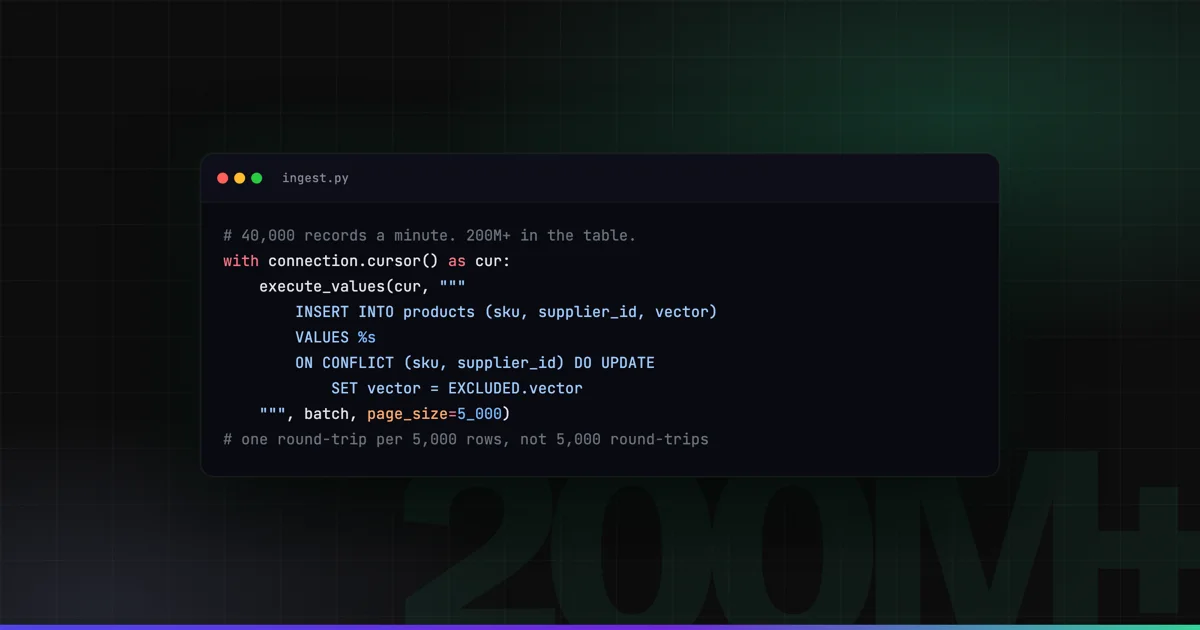
A few years ago I inherited a Django application that was being asked to do something it was never designed for: process and index over 200 million product records for an ML pipeline in near real-time.
The codebase was clean. The team was good. The database was just on its knees.
This is what I learned — the specific decisions that moved the needle, and the ones that wasted weeks.
The Situation
The system ingested product catalog data from multiple wholesale suppliers across the Caribbean and Netherlands. Each supplier pushed updates on their own schedule. The ML model downstream needed fresh vectors for semantic search. At peak, we were processing 40,000 records per minute.
Initial architecture: Django + Celery + PostgreSQL. Reasonable starting point. But by the time I joined, queries that should have taken milliseconds were taking 12–15 seconds. The background job queue was permanently backlogged by 6+ hours.
What Didn’t Move the Needle
Before I tell you what worked, let me save you some time on what didn’t.
Throwing more Celery workers at it — helpful up to a point, then you hit database contention and it stops helping entirely.
Moving to async Django views — the bottleneck wasn’t the HTTP layer. Optimizing the wrong layer.
Read replicas for reporting — useful, but our problem was write throughput, not read latency.
What Actually Worked
1. Bulk operations everywhere, ORM iteration nowhere
The most impactful single change. Django’s ORM makes it very easy to write code like this:
for product in Product.objects.filter(supplier=supplier):
    product.status = 'indexed'
    product.save()
At 200M records, this issues 200M UPDATE statements. Each one is a round trip.
Replace it with:
Product.objects.filter(supplier=supplier).update(status='indexed')One query. For inserts, bulk_create with update_conflicts=True:
Product.objects.bulk_create(
    products,
    update_conflicts=True,
    unique_fields=['sku', 'supplier'],
    update_fields=['name', 'price', 'updated_at'],
    batch_size=5000
)
This alone cut our ingestion time by 60%.
2. Table partitioning by supplier
PostgreSQL range and list partitioning is underused in Django applications. We partitioned the products table by supplier_id using declarative partitioning at the database level.
CREATE TABLE products (
    id bigserial,
    supplier_id integer NOT NULL,
    sku varchar(100) NOT NULL,
    name text,
    updated_at timestamptz DEFAULT now()
) PARTITION BY LIST (supplier_id);

CREATE TABLE products_supplier_1
    PARTITION OF products FOR VALUES IN (1);

CREATE TABLE products_supplier_2
    PARTITION OF products FOR VALUES IN (2);
Django doesn’t manage partitions automatically, so we handled partition creation in a migration and kept a management command to create new partitions when onboarding new suppliers.
The benefit: queries scoped to a supplier only scan that partition. Index size drops dramatically. Vacuum runs faster.
3. Index strategy: stop indexing everything
The previous team had added indexes on columns they thought might be queried. The product table had 14 indexes. Every insert updated 14 data structures.
We audited query patterns with pg_stat_user_indexes:
SELECT
    indexrelname,
    idx_scan,
    idx_tup_read,
    idx_tup_fetch
FROM pg_stat_user_indexes
WHERE relname = 'products'
ORDER BY idx_scan ASC;
Four indexes had never been used in production. We dropped them. Write throughput improved noticeably.
The indexes we kept: primary key, (supplier_id, sku) unique, updated_at for the sync cursor, and a partial index on status = 'pending' since that’s the only value the job queue cares about.
4. The sync cursor pattern
Instead of polling WHERE updated_at > last_run, we implemented a high-watermark cursor per supplier:
class SyncCursor(models.Model):
    supplier = models.OneToOneField(Supplier, on_delete=models.CASCADE)
    last_processed_at = models.DateTimeField()
    last_processed_id = models.BigIntegerField(default=0)

def get_pending_products(supplier, batch_size=5000):
    cursor = SyncCursor.objects.get(supplier=supplier)
    return Product.objects.filter(
        supplier=supplier,
        id__gt=cursor.last_processed_id
    ).order_by('id')[:batch_size]
Using id as the cursor instead of updated_at avoids the problem of records with identical timestamps being skipped or double-processed.
5. Where Rust entered the picture
After all the above optimizations, throughput was 10x better. But we still had one bottleneck: the vector encoding step. We were calling a Python embedding library for each batch, and it was CPU-bound in a way that GIL-limited Python couldn’t parallelize effectively.
I wrote a small Rust service using PyO3 that exposed a Python-callable function for batch encoding. The implementation is in a follow-up post, but the result was that encoding throughput went from ~8,000 records/minute to ~35,000 records/minute on the same hardware.
The Uncomfortable Truth About ORM Abstractions
The Django ORM is excellent. Use it for most things. But when you’re processing hundreds of millions of records, you need to understand what SQL it’s generating. Run everything through django-debug-toolbar in development, or log slow queries with:
LOGGING = {
    'loggers': {
        'django.db.backends': {
            'level': 'DEBUG',
            'handlers': ['console'],
        },
    }
}
Every time I’ve hit a serious Django performance issue, the root cause was either unnecessary queries in a loop, missing indexes on join columns, or fetching more columns than needed.
Current State
The system now handles 200M+ product records with:
- Sub-second query latency for supplier-scoped queries
- Ingestion backlog measured in seconds, not hours
- Zero downtime during migrations using
--fake+ shadow table approach
The lesson: before you reach for a different database, make sure you’ve exhausted what PostgreSQL can actually do. It can do a lot.
Work with me
Want something like this built for you?
I have built software for enterprises and governments for 20+ years — web apps, SaaS platforms, APIs and cloud infrastructure. Tell me what you want to build, fix, or scale, and I will be honest about scope, risks, and the best next step.
€85–120/hour · reply within 24 hours